 Cupcake Directive
Play now
Your first minute
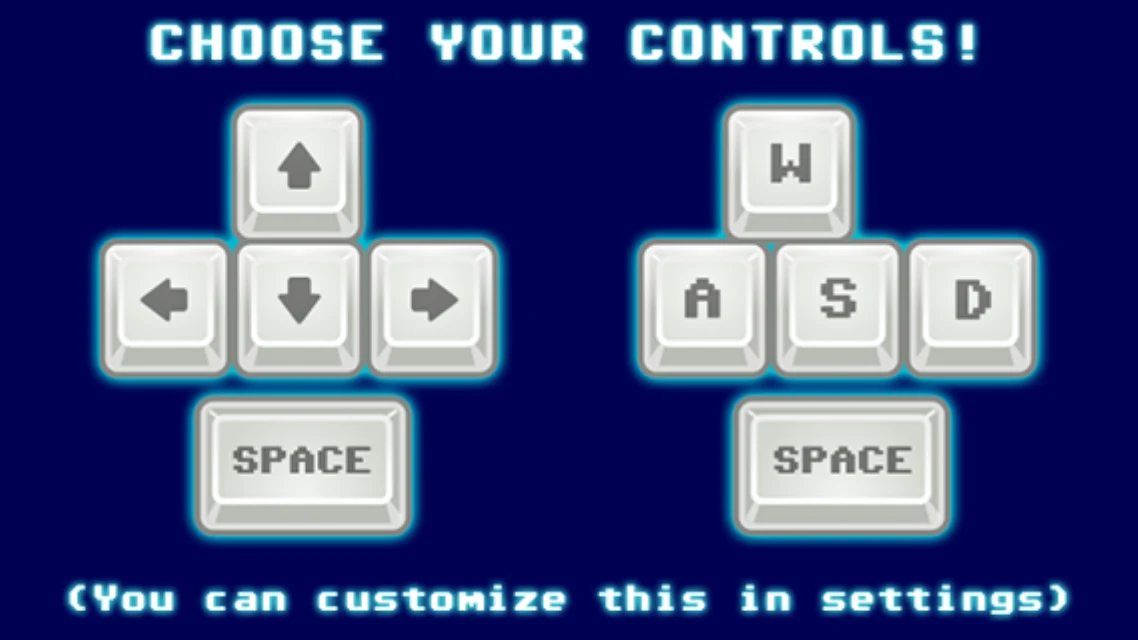
The first time you start the game, it asks which keys you prefer. Click the arrow keys or the WASD side. You can change every key later under Settings. On a phone or a tablet it doesn't ask.
Press PLAY GAME to open the picker. Swipe left or right (or use the arrow keys) to look through the built-in levels, then press PLAY GAME again. Each level shows your best times. New players should start with the Novice Level.
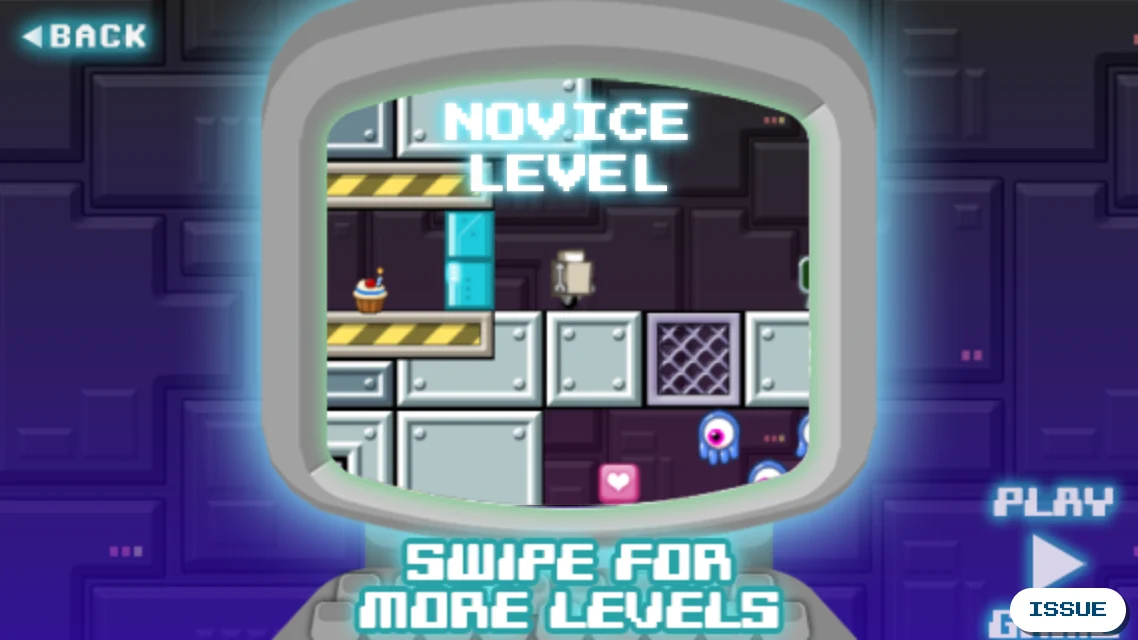
If you left a level earlier, RESET appears here. It wipes the level's saved progress so you start over. Otherwise you continue where you left off.
Controls
| Move | Arrow keys, or A and D |
|---|---|
| Jump | Space |
| Shoot | X (J with WASD) |
| Rocket | C |
| Rocket up | V |
| Map | Tab |
| Zoom | Page Up and Page Down |
| Menu | Escape |
Robot can't use most of these at first. A control starts working when Robot collects the app for it, and the game tells you how to use it, with your own key, your controller's button or the touch button.
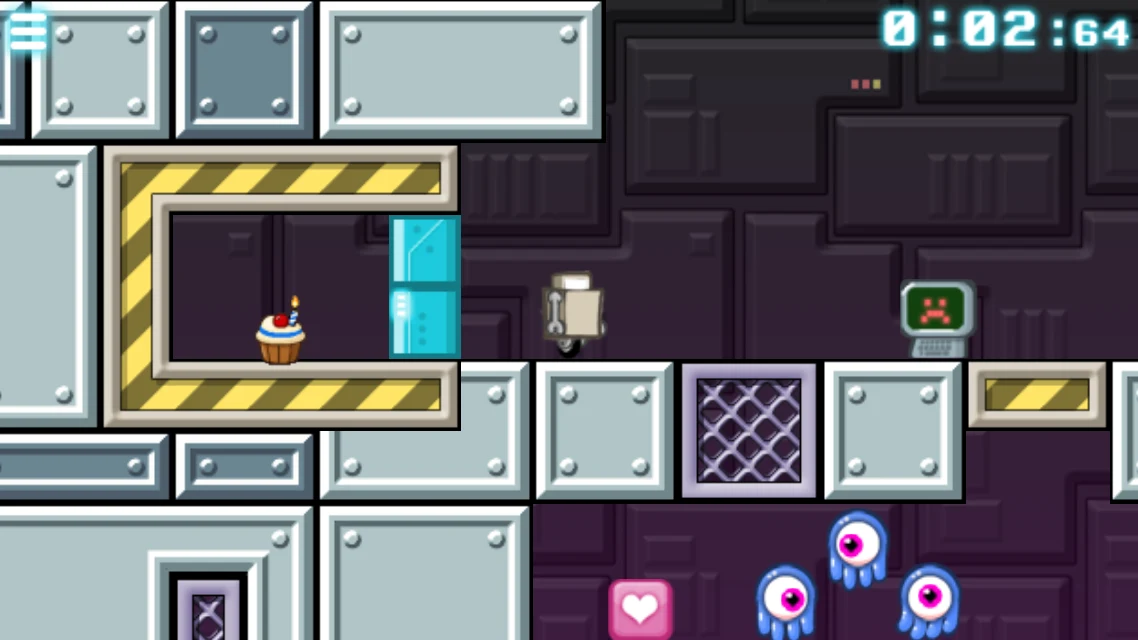
On a touch screen, the game shows buttons for the moves Robot has, and touching Robot opens the menu or the map. In the browser, the buttons appear when you touch the game and go away when you press a key, click the mouse or use a controller. To play on a phone like an app, open play.cupcakedirective.com, add it to your home screen (on an iPhone: Share, then Add to Home Screen) and hold the phone sideways. The app keeps its own saves, so sign in again there. With a controller, see Settings.
Apps: what Robot can learn
Walk over an app to install it. Each one lasts for the rest of the level.

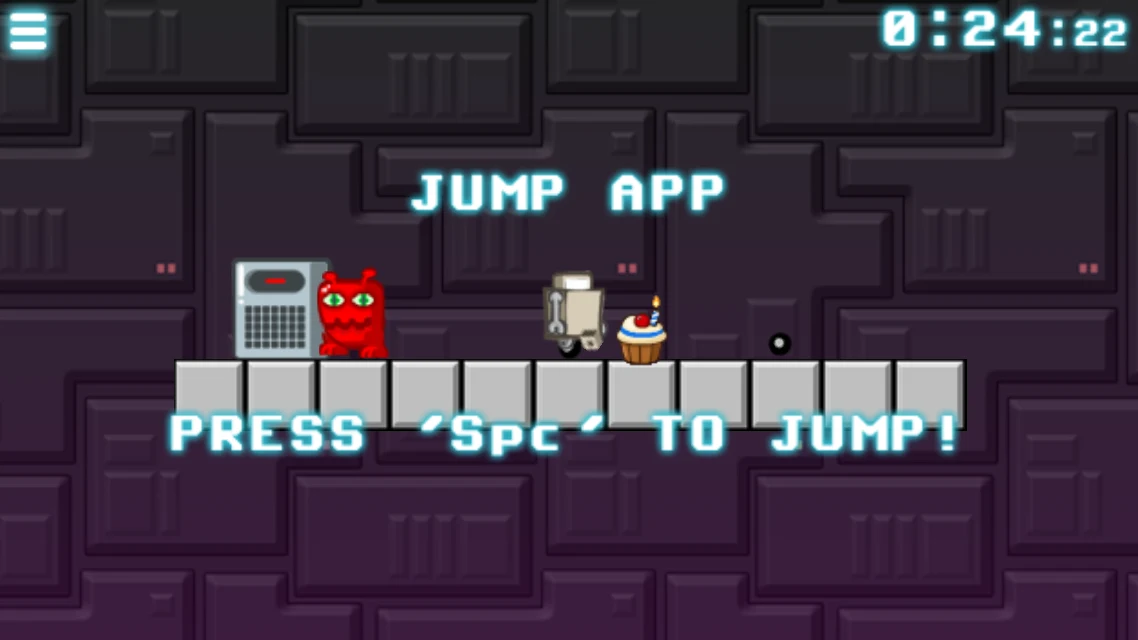
Jump app Robot can jump.

Jump addon A second jump in mid-air.

Defense app Fires deadly lazors.

Zoom app Rockets sideways at ludicrous speed.

Launch app Rockets skyward.

Defense addon Annihilate: shoots much faster.

Helmet app Smashes the bricks above Robot.

Heart app One more robo-heart.

Gun control app Upgrades the lazor.

Explozors Lazors explode where they land.

Haxxor app Makes sad computers happy, which opens their doors.

Timesaver Takes ten seconds off the clock.

Electric velcro Sticks to velcro walls.
Red apps do the opposite: they delete the lazor, the launch app or the helmet.

Delete defense Robot can no longer shoot.

Delete launch Robot can no longer rocket up.

Delete helmet Robot loses its helmet.
Keys, checkpoints and machines

Transmatter computron A checkpoint. Touching it heals Robot, and Robot returns here after dying.

Keycards Red, green and blue keycards open every gate of their color.

Gold keycard Opens one gold gate each.

Gates Stay shut until Robot has the right keycard.

Bitcoin Collect them all to open the bitcoin doors.

Quantum crystal Powers a telematic: bring it to the slot beside one.

Telepad Teleports Robot once its telematic has power.

Lever Reverses the conveyor belts.

Radio A message from the level's maker.
What will hurt you
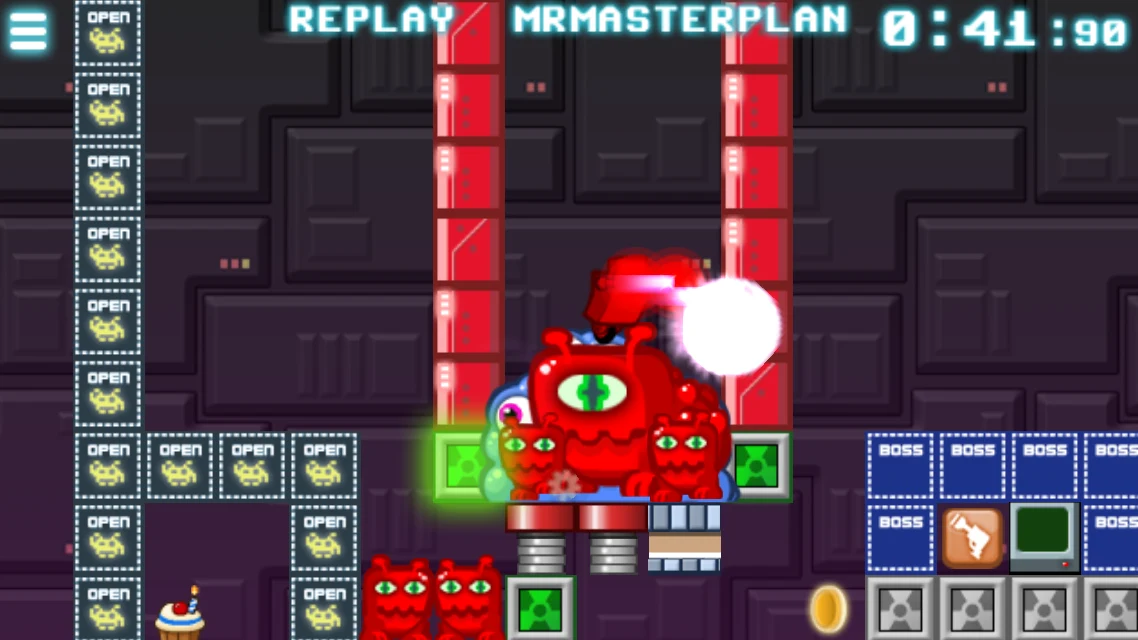
Robot has a few hearts. When they run out, Robot explodes and returns to the last computron it touched, while the clock keeps running. Winning without dying is worth extra: see best times.

Red guy Chases Robot on foot.

Blue guy A floating eye that spits acid.

Drip Hangs from the ceiling.

Green guy Lives in a shell in the ground.

Buzzoid Flies around.

Phage A hungry roamer.

Bosses Three big ones. Beating one removes the BOSS blocks.

Spikes On floors and on ceilings.

Goo Hot liquid. Don't touch it.
The pause menu and the map
Press Escape (or the menu button at the top left) to pause. The top of the screen shows what you have collected so far, and the corner your time.
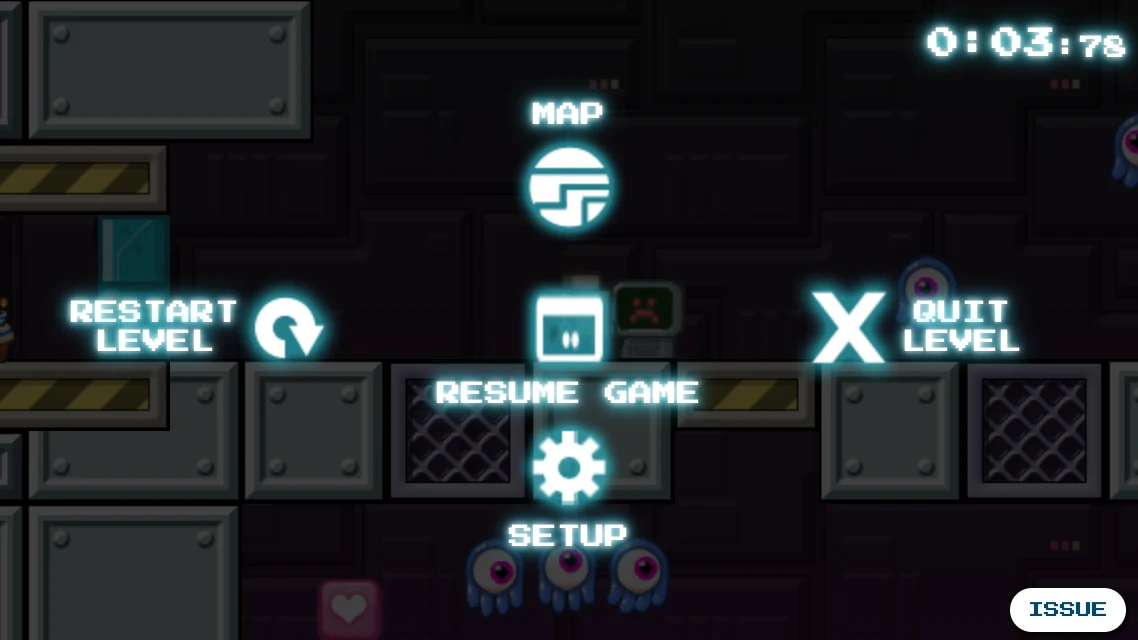
- Resume game carries on.
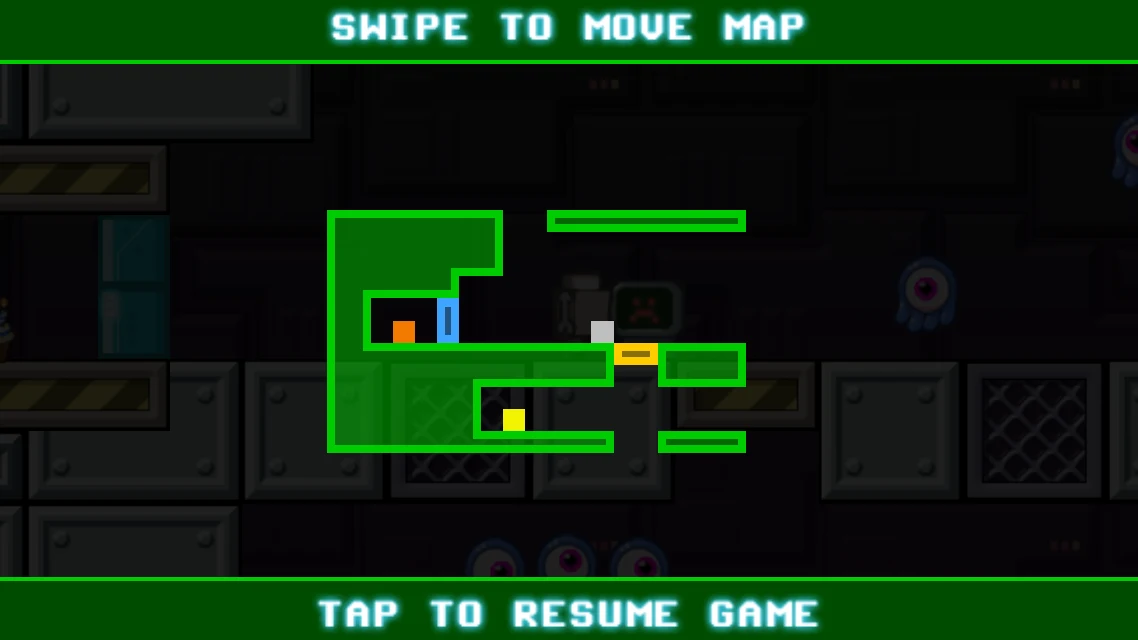
- Map shows the whole level, with Robot and the things around it. Swipe to move it and tap to go back.
- Restart level starts over. A setting can make it ask first.
- Setup opens the settings without leaving the level.
- Quit level goes back to the menus. Next time, the game offers to continue where you left off.
- Issue, at the lower right here and on every menu screen, tells us something is wrong while the game is in alpha. Say what in the box and press OK; pictures of the level and of the screen go with it, and the end of the game's log, which shows what the game did lately. In the browser you can add a screenshot of your own. You need to be signed in.
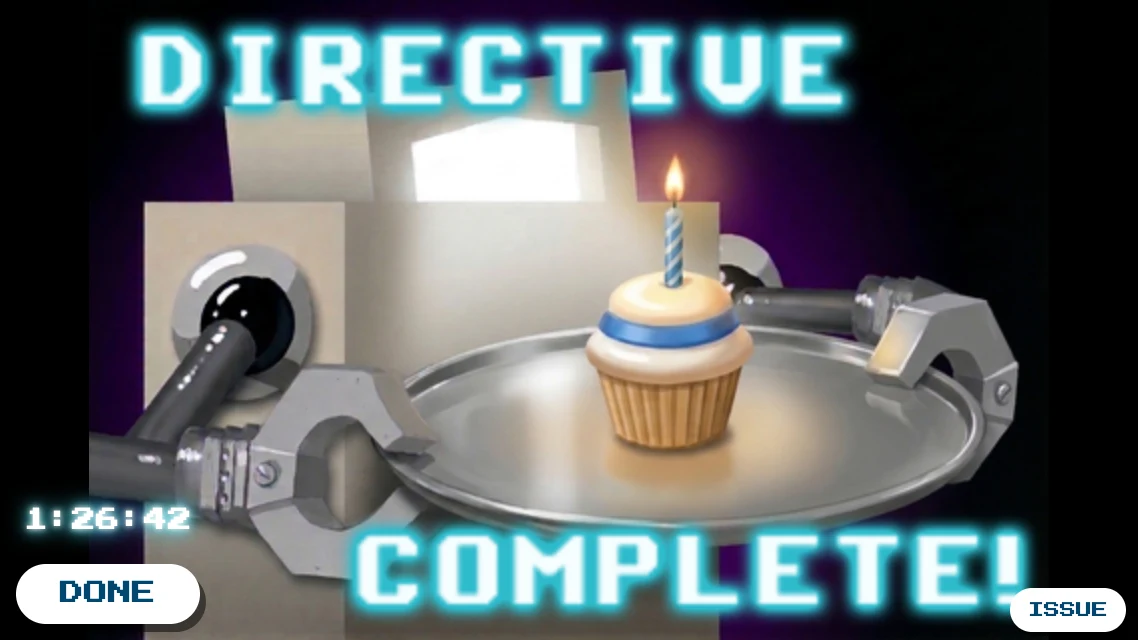
Reach the cupcake and the level is done. Your time is on the win screen. If you're signed in and just played a community level, you can also LIKE or DISLIKE it there.
Community levels
The levels of the original Maker Mall live on here, along with new ones from players. You don't need a profile to play any of them.
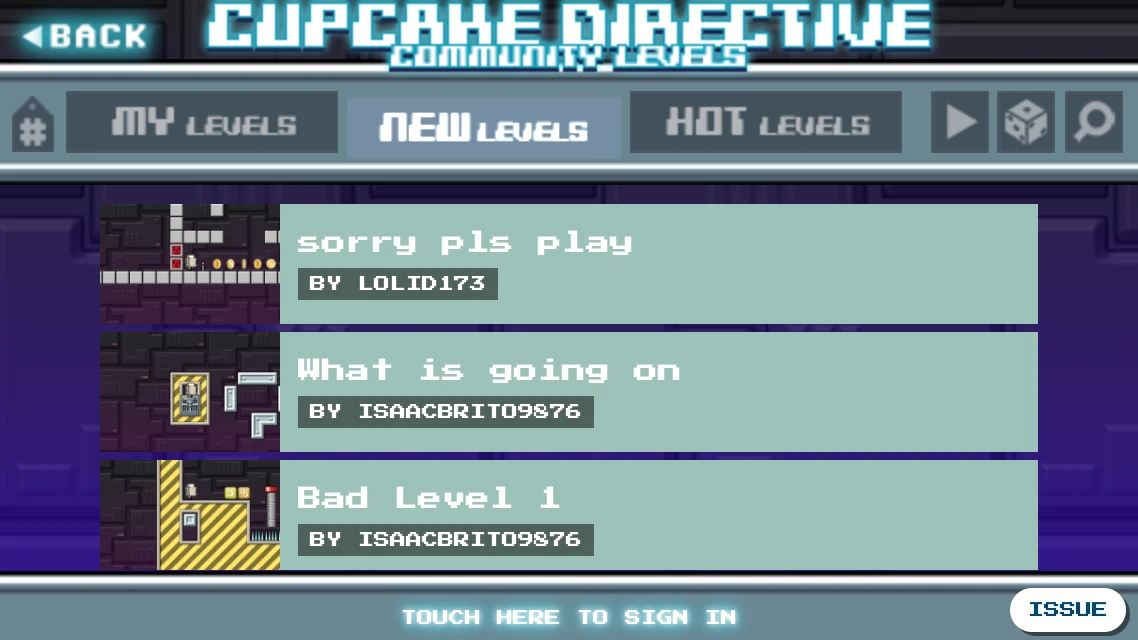
| MY LEVELS | The levels you are making: see Editing. |
|---|---|
| NEW | The newest shared levels. |
| HOT | The levels with the newest best times. |
| Play arrow | Levels you played recently. |
| Dice | A random roll of levels. |
| Magnifying glass | Search. |
| # (top left) | Filter by tags. |
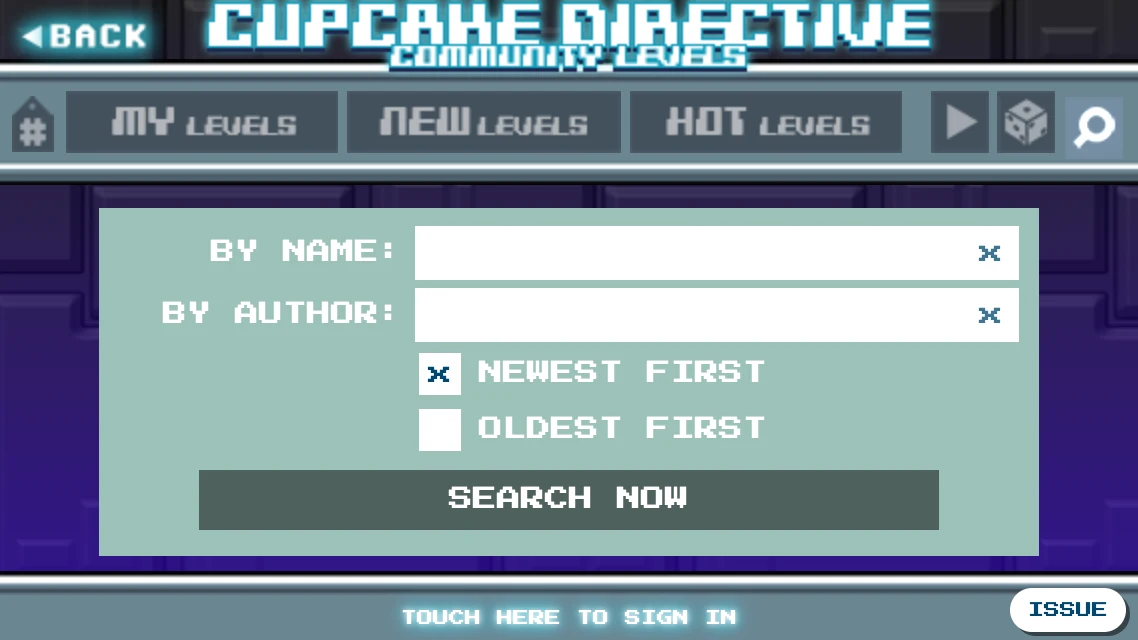
Search finds levels by name or by author, newest or oldest first. Typing a level's number in the name box finds that level.
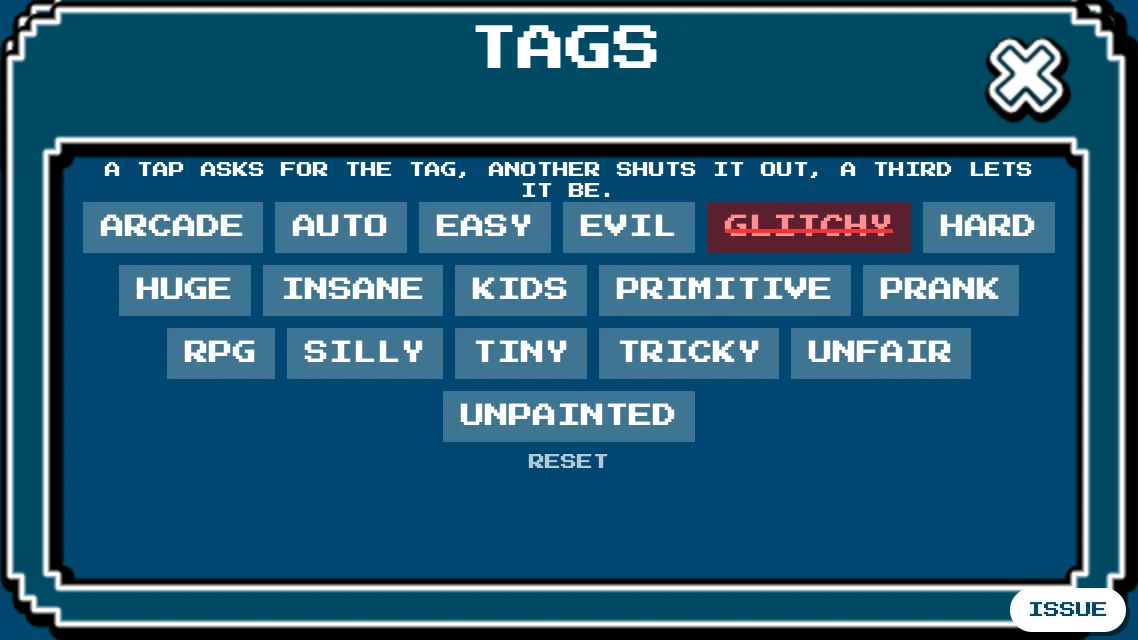
Filter narrows the lists by tags. Tap a tag once to require it, again to rule it out (struck through in red), and a third time to let it be. The game sets three of the tags itself: AUTO levels win with no input, PRIMITIVE levels are won by just going right, left, or back and forth, and UNPAINTED levels have most of their base and goo blocks without paint. Makers can't pick these three. The game's bots only try for 10 minutes (30 if the title says auto), so a level without AUTO or PRIMITIVE may still be that simple, just slower. Your filter is remembered on this device. It starts empty, so every level shows, and RESET goes back to that. The button lights up when you have a filter.
The filter applies to NEW, HOT, the dice, searches and a maker's other levels, but not to the levels you played recently, or when you look up a level by its number or follow a link. If the filter hides everything, the game suggests changing it.
A level's details
Touch a level to see its picture, its best times and its maker.
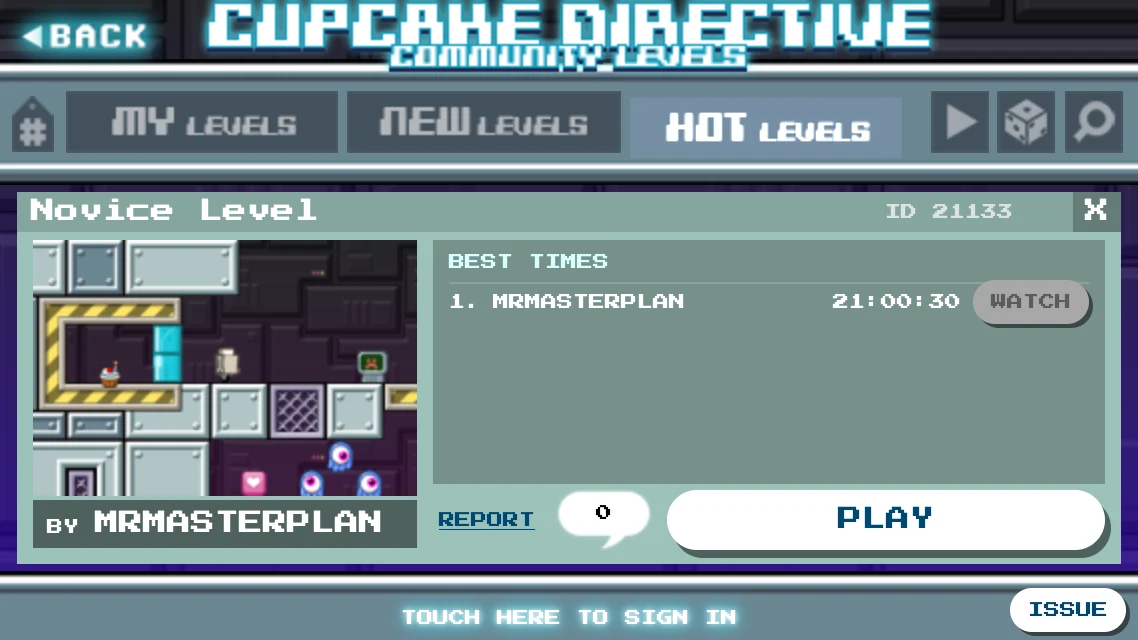
- PLAY starts it.
- The speech bubble opens the comments.
- REPORT tells the admins about an abusive level. You need to be signed in.
- BY… searches for more levels from that maker, in the search, where you can refine it.
- WATCH shows the replay of a best time, once you have won the level yourself.
Best times
Each community level lists its five fastest times, and the same player can be there more than once. Beat the fifth time and your run is sent to be checked: the server plays it back to make sure it happened. Only then does it appear. You need to be signed in to keep your time; if you aren't, the game reminds you, and signing in later still counts, even after closing the game. If the server doesn't take your time, the game tells you why.
Watching replays
Once you have won a level, press WATCH next to a time to see exactly how it was done, in real time. Robot plays itself, and you can zoom and look around. Before your own win, WATCH is grey: no spoilers until you have made it. The replays of your own levels are always open.
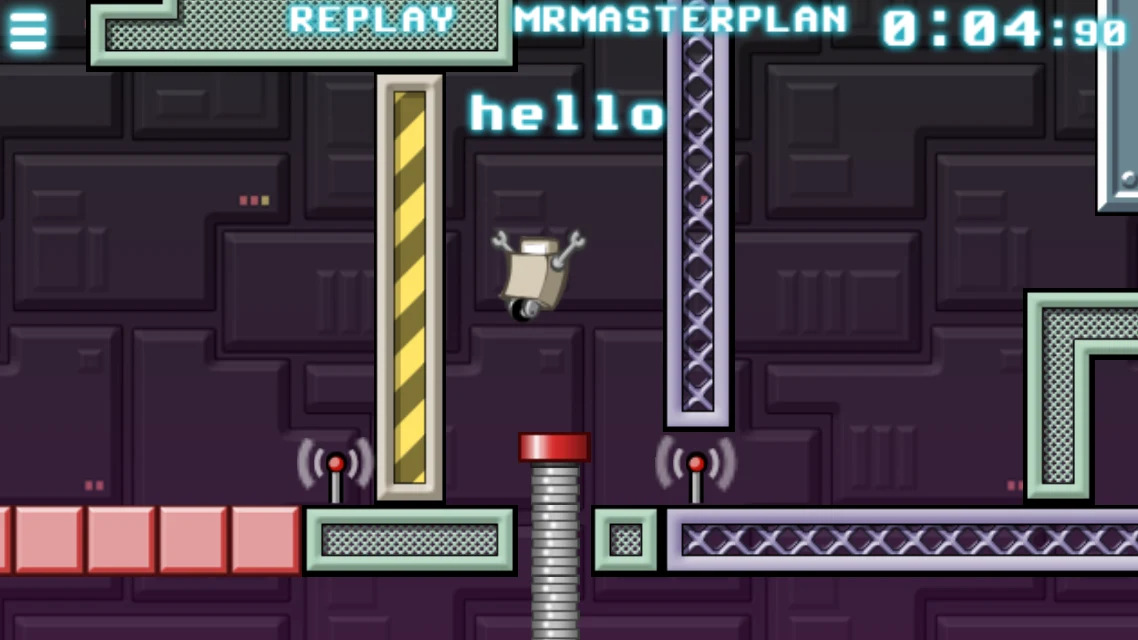
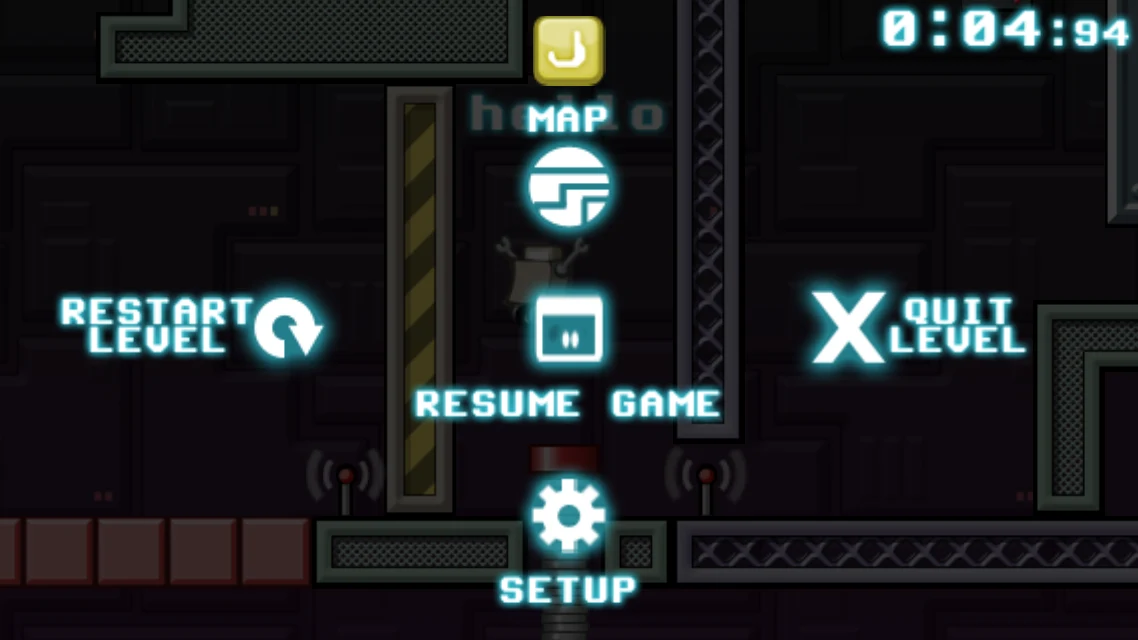
Restart level starts the replay again and Quit level leaves it. A replay never touches your own saved games.
Links (in the browser)
While you play a community level or a built-in level, or watch a replay, the browser's address is a link to it. Copy it and send it to a friend, or paste a replay's link into a level's comments, where it shows as REPLAY. A replay's link works for anyone, whether they have won the level or not. The browser's Back button takes you back to the menus.