Cupcake Directive
Play now
Your profile
You can play every level without a profile. With one, you can share levels, keep best times and comment. At the bottom of the community levels, press TOUCH HERE TO SIGN IN.
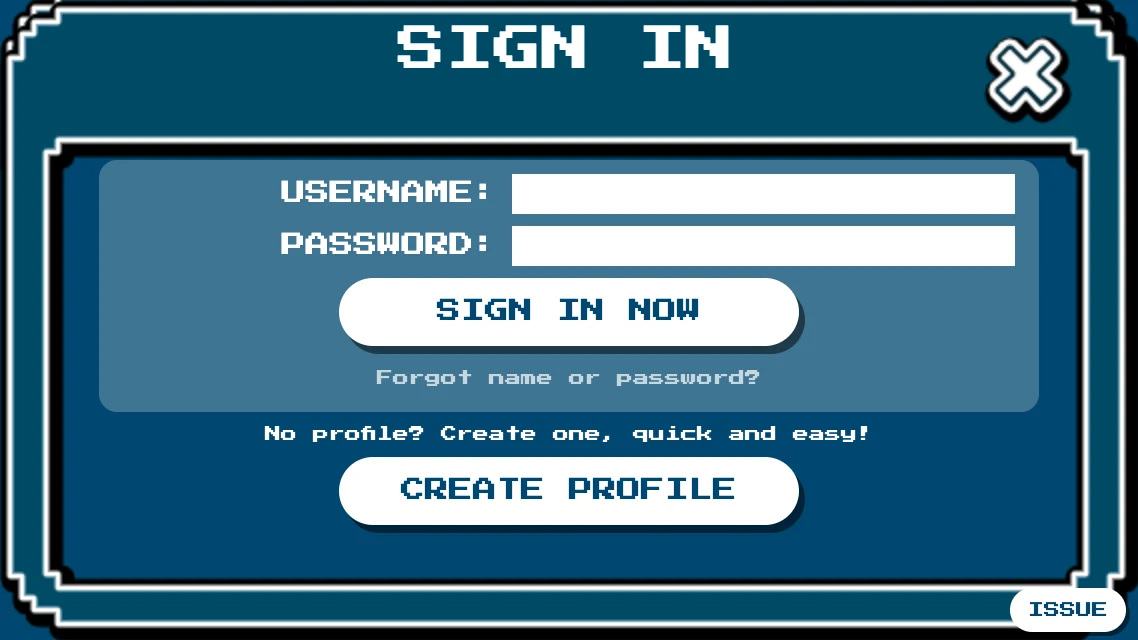
Press CREATE PROFILE if you're new.
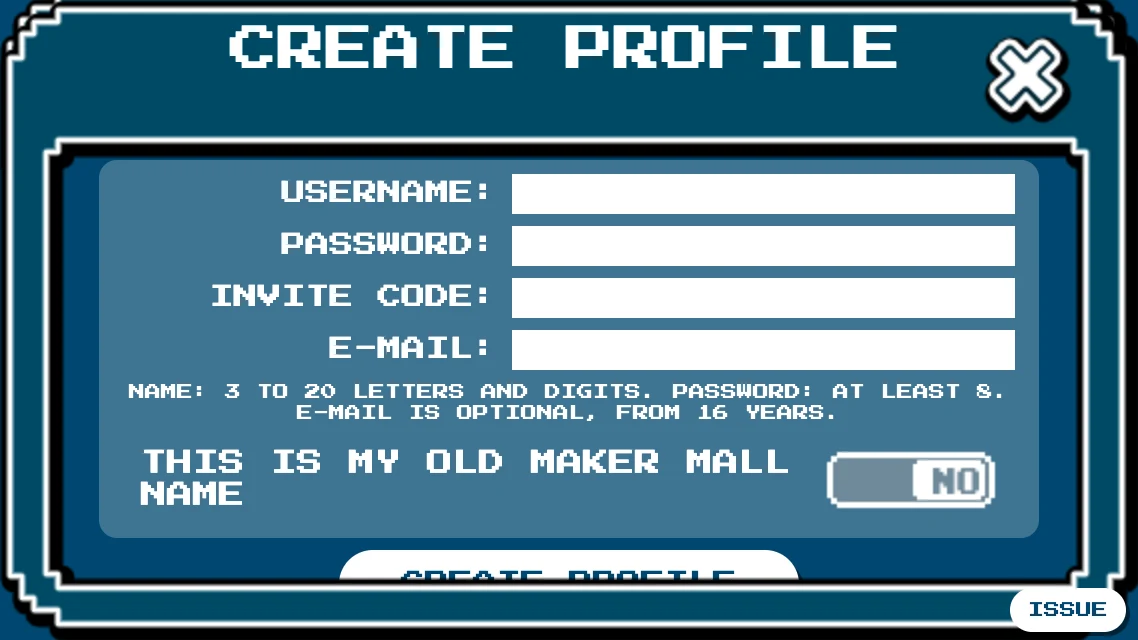
- Username: 3 to 20 letters and digits. It can't be changed later.
- Password: at least 8 characters.
- E-mail: optional, and only if you are 16 or older. Once activated (we send you a link), it lets you reset a forgotten password and claim your old Maker Mall name.
Were you on the original Maker Mall? Turn on THIS IS MY OLD MAKER MALL NAME to claim your old name. You prove it by publishing a code in the original game, and the page below the game explains how.
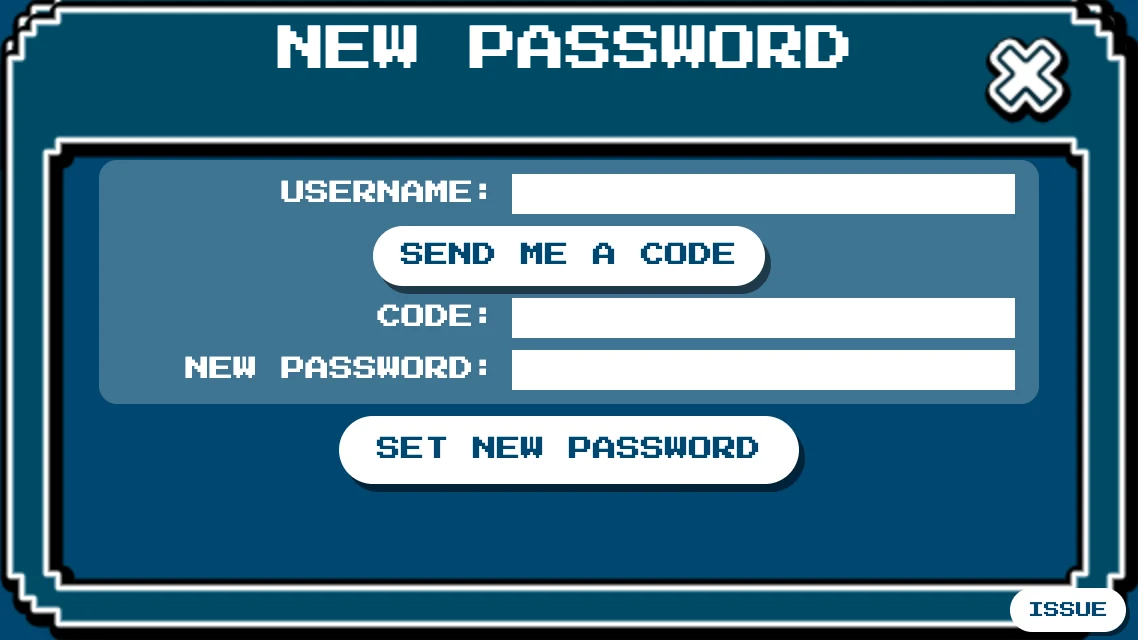
Forgot your password? The sign-in page has a link. We e-mail a code to your activated address.
From TEST to SHARE
A level is shared from its details in MY LEVELS. The button next to EDIT shows the next step.
TEST
Play your level and win. This run is your proof that it can be beaten, so the level plays as normal, with the menu and saved games. Changing the level afterwards means a new test, except for its name or tags. The editor's TEST button does the same, and brings you back to the editor.
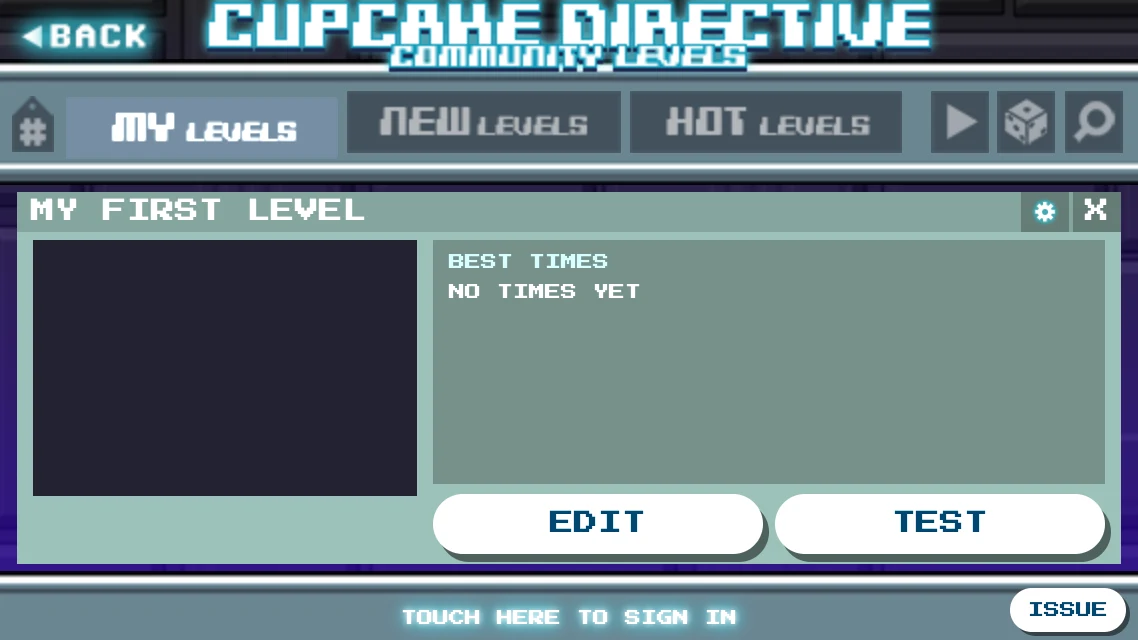
TEST SHARE
The level and your winning run go to the server. A level won in under a second can't be shared, nor one without tags. The game may add the tags AUTO, PRIMITIVE and UNPAINTED to your level by itself, and it un-shares a level won in under a second with no input or by just going right or left.
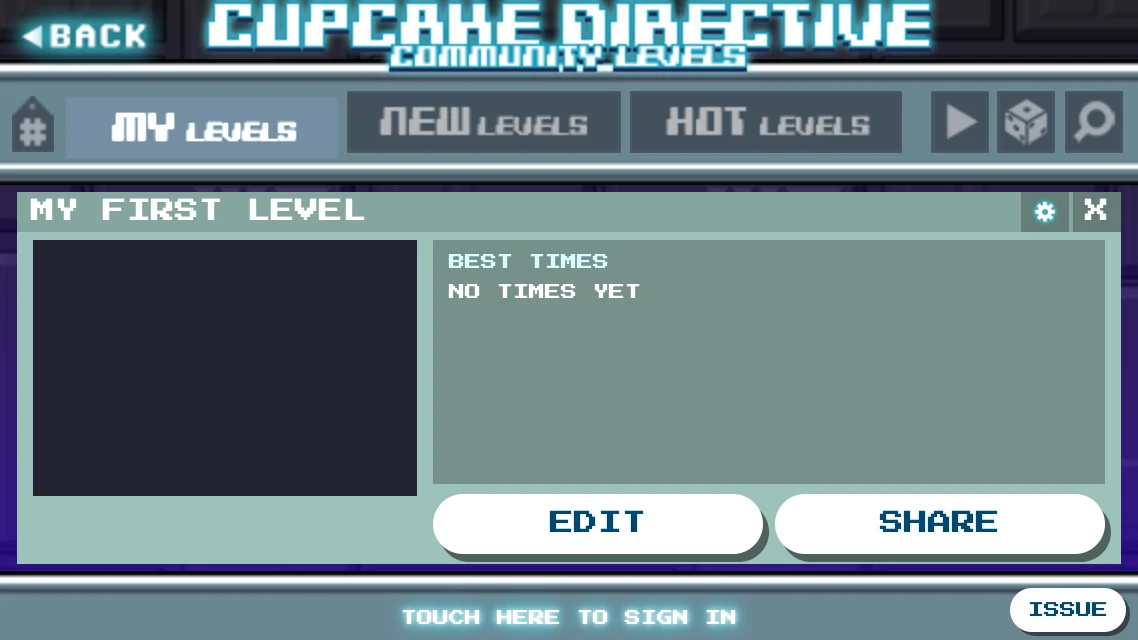
SHARE CHECKING
The server plays your run back on your level. If it wins the same way, the level goes up. If not, the details say why.
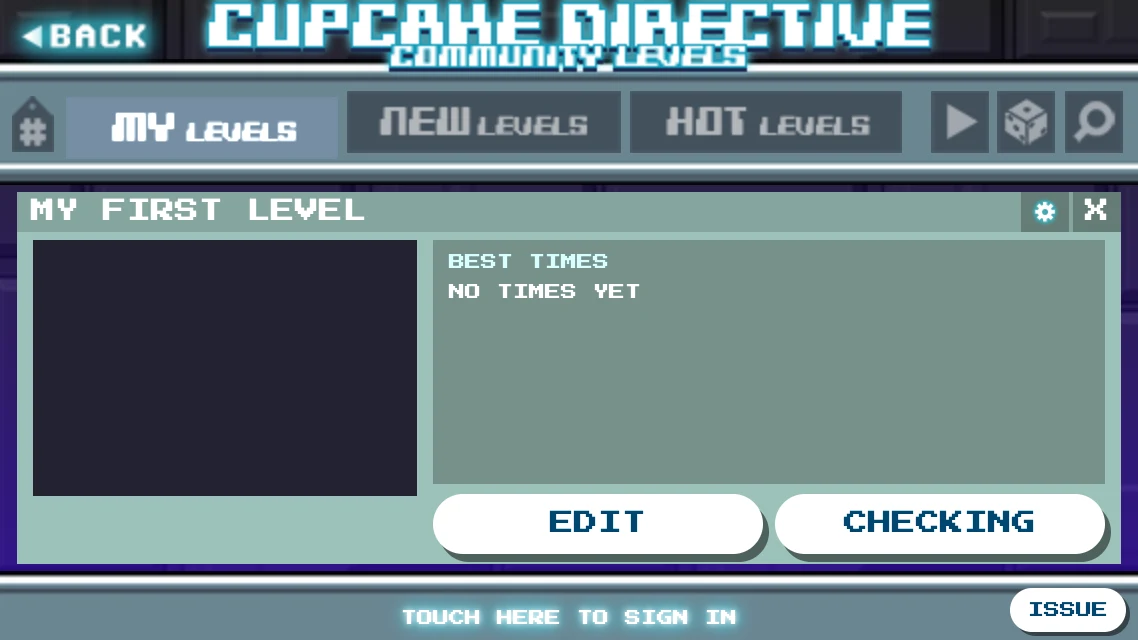
CHECKING PLAY
It's shared! Winning without dying earns the level the 1UP mark.
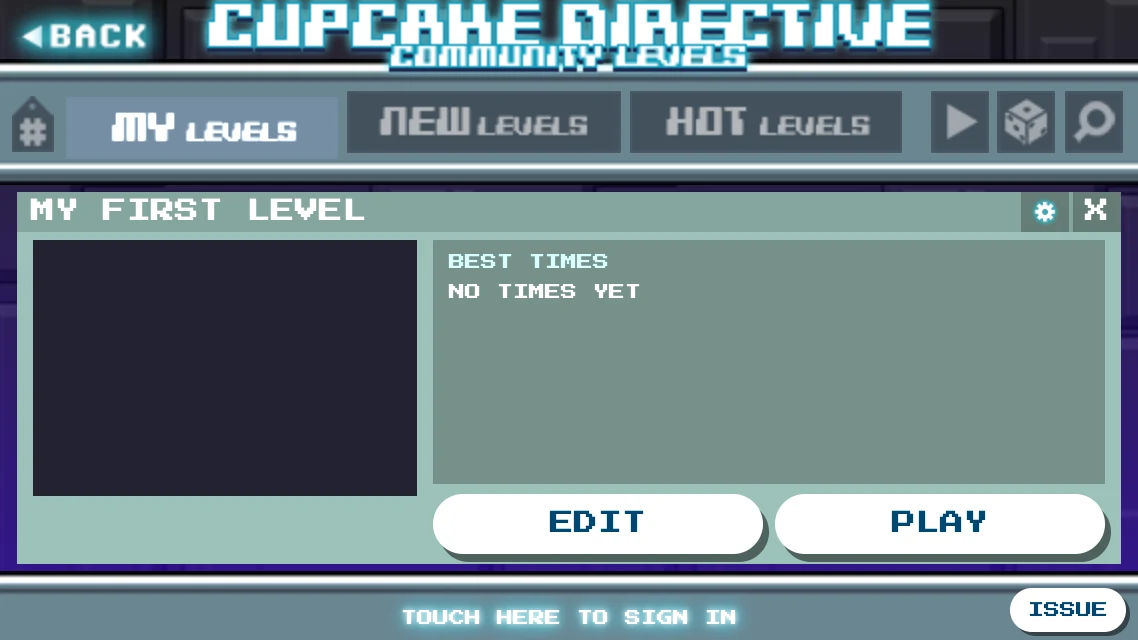
Shared: the button says PLAY
Each new version you share is a level of its own with its own number, and it replaces the old one in the lists. Sharing a different level under the name of one you shared before replaces that one too.
The gear menu
The gear in a level's details has the rest.
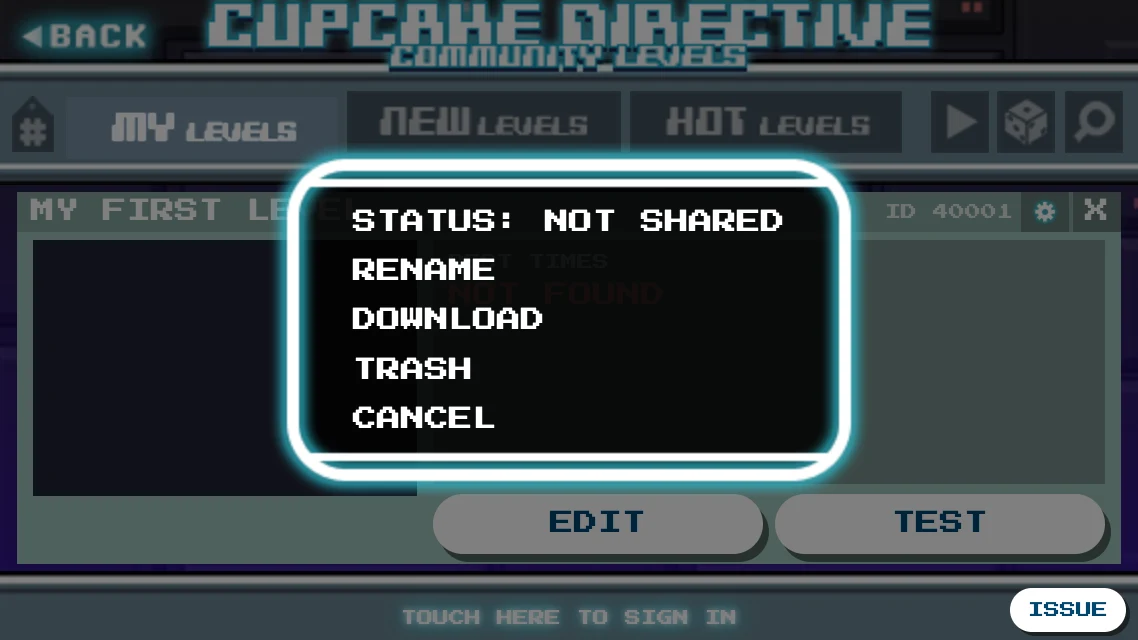
- Status: shared, being checked, why it wasn't shared, or changed since.
- Un-share: takes it out of the lists but keeps it in MY LEVELS. You can share it again.
- Rename: gives it a new name. Share it to show the name to others.
- Download: in the browser, saves the level as a file.
- Trash: removes it from this device. A shared level stays shared, so un-share it first if you want it gone.
Levels as files (in the browser)
Your levels live in this browser. To keep a copy, or to use a desktop level editor:
- To save one, use DOWNLOAD in its gear menu.
- To add one, drop
.kittyfiles anywhere on the game. - The file's name is the level's name. A second download called
NAME (1).kittybecomes a new level when dropped. - A file whose name is already taken asks before it overwrites. A shared level that is overwritten needs a new test.
- A level that's open in the editor can't be replaced until you leave the editor.
Comments and manners
Press the speech bubble in a level's details to read and write comments. After winning, you can like or dislike the level. If a level is abusive, press REPORT in its details and say why. You need to be signed in, and the admins read every report.
Be kind. Children play here, so swearing, hate, rude or sexual words and picking on other players aren't allowed, in any language, in your levels or your comments. Every new level and comment is checked, and one that breaks these rules disappears. Three times in three months, and your profile can't be used online any more.